Paste-and-go downloads
Paste a supported public link and let the page prepare the media download with a direct, familiar flow.
InstaSaver.live keeps the workflow simple: paste a supported public media link, preview the result, and download the file directly from your browser.
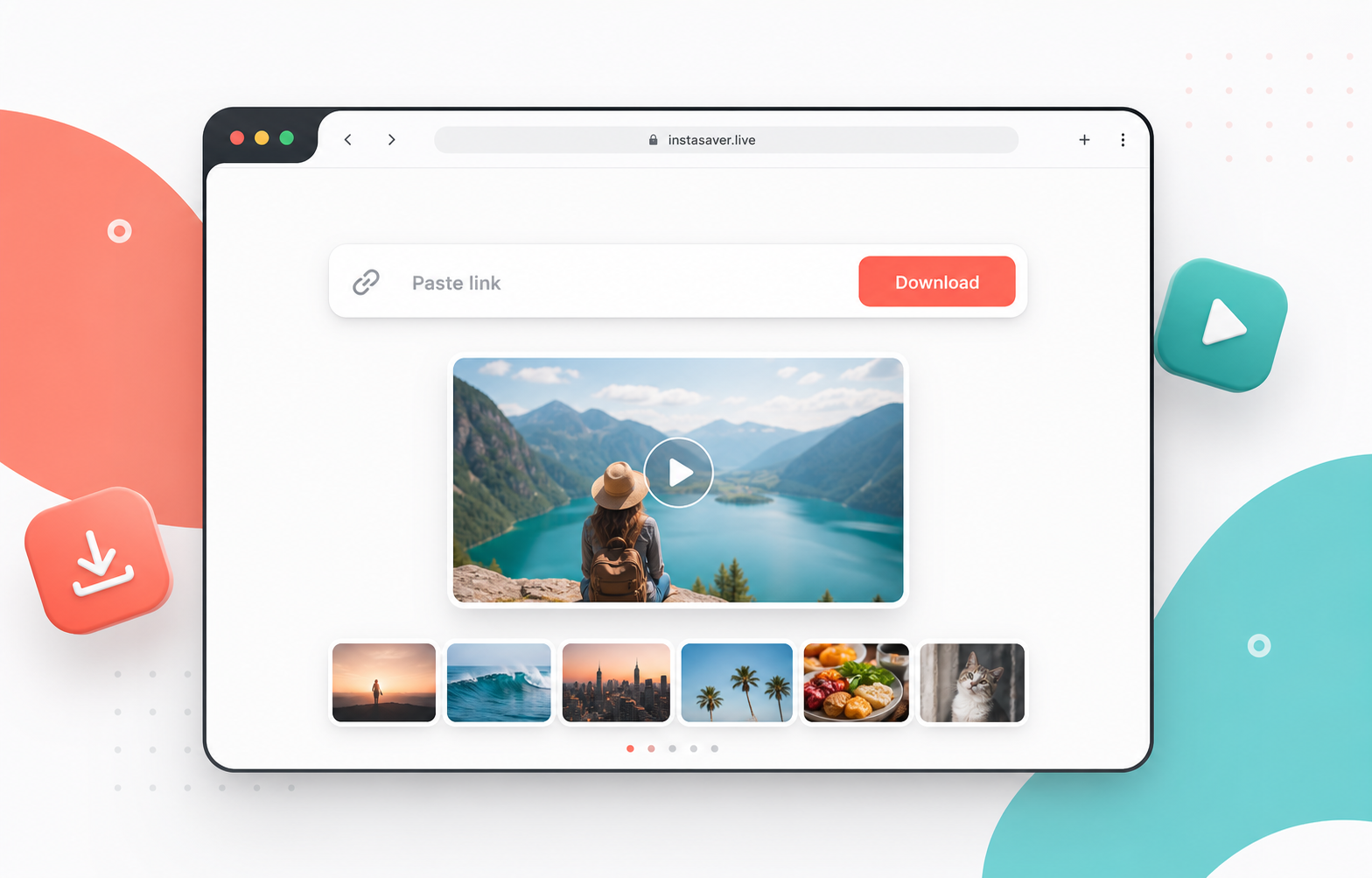
Designed for quick saves without account setup, extra screens, or distracting steps.
No package pages, no mode switching, no noisy dashboards. Just a fast, clear tool for saving media from supported public links.
Paste a supported public link and let the page prepare the media download with a direct, familiar flow.
Give visitors a straightforward way to save short videos and reels for offline viewing or personal archiving.
Support image-based posts with a clean preview area that helps users confirm they are downloading the right media.
Present the best available media file clearly, so users can save useful content without guessing between confusing options.
Keep the interface lean, avoid account prompts, and make the downloader feel transparent from the first interaction.
The layout is responsive and lightweight, making the downloader easy to use from a phone browser when a link is ready.
The page is built around a single primary action, so visitors immediately understand what to do.
Use a supported public media URL. Private, removed, or restricted content may not be available.
The downloader reads the URL, checks available media, and shows a clear preview before saving.
Save the file to your device for personal use, reference, or offline access where permitted.
InstaSaver.live focuses on the core downloader experience and keeps every supporting detail out of the way.
Save useful clips, visual ideas, recipes, tutorials, and inspiration for later review.
Keep permitted media available when your connection is slow or unavailable.
Back up your own publicly shared posts and keep local copies of content you control.
Only download media you own, have permission to save, or are otherwise allowed to use. InstaSaver.live is not affiliated with Instagram, Meta, or any related service.
Short answers keep the page trustworthy without turning it into a support center.
No. InstaSaver.live is designed as a browser-based downloader, so the main workflow happens directly on the website.
No. The downloader should be used with supported public links only. Private, restricted, deleted, or protected media may not be accessible.
The copy is written for videos, reels, photos, carousels, and stories from supported public media URLs.
No. InstaSaver.live is an independent tool and is not affiliated with, endorsed by, or sponsored by Instagram, Meta, or any related service.
Paste a supported URL and keep the download experience fast, focused, and easy to understand.